
Agents exposed on public sites, community pages, or unauthenticated channels do not run as a specific Salesforce user. When there is no authenticated user context, record visibility resolves against internal org-wide defaults, which are often broader than intended for an anonymous audience.
This is the unauthenticated trap: teams assume org-wide defaults and sharing rules still protect them, but anonymous sessions bypass the per-user visibility they relied on during internal testing. Data exposure shows up in production, not in the sandbox demo.
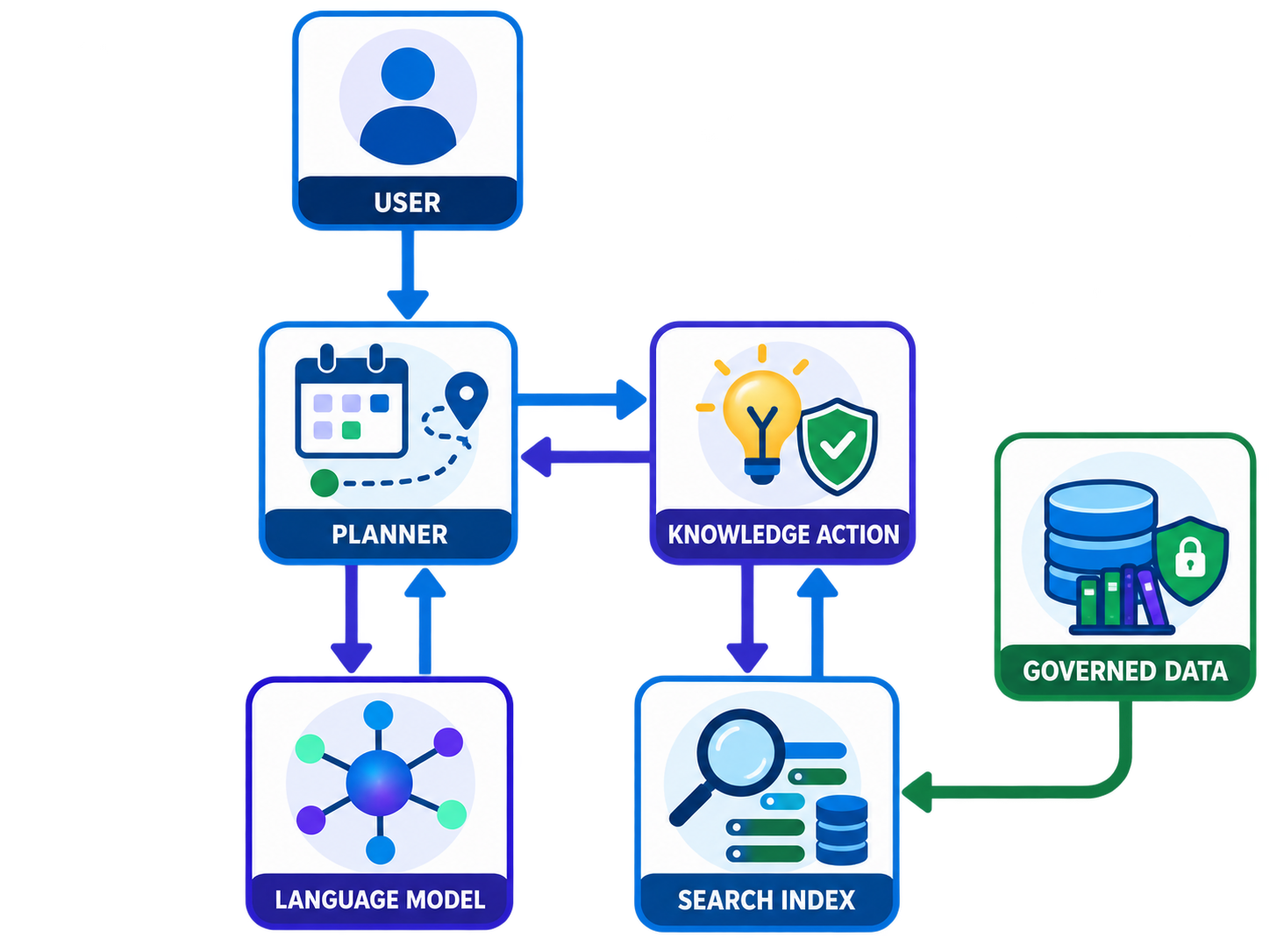
Never trust ambient sharing
- Treat every unauthenticated session as untrusted and assume the widest plausible visibility.
- Scope data access explicitly at the subagent and action level with filters and variables, not with org-wide defaults.
- Restrict which objects, fields, and record types each topic and action can touch before writing any instructions.
- Design prompts and guardrails assuming the caller is anonymous and potentially adversarial.
Scope data before it reaches the agent
- Review the agent user and guest user permissions, then remove any object or field access the use case does not need.
- Add explicit filters and variables on each action and subagent so queries only return records intended for anonymous users.
- Test with a truly unauthenticated session, not an internal user, and confirm record counts and fields match the intended scope.
- Attempt adversarial prompts that ask the agent to list, summarize, or export records outside its intended scope.
- Re-verify scope whenever actions, topics, connected data, or sharing settings change, because any of them can widen what an anonymous session sees.
Resources
This article is based on the following Salesforce learning and product documentation.